Toast in one tap
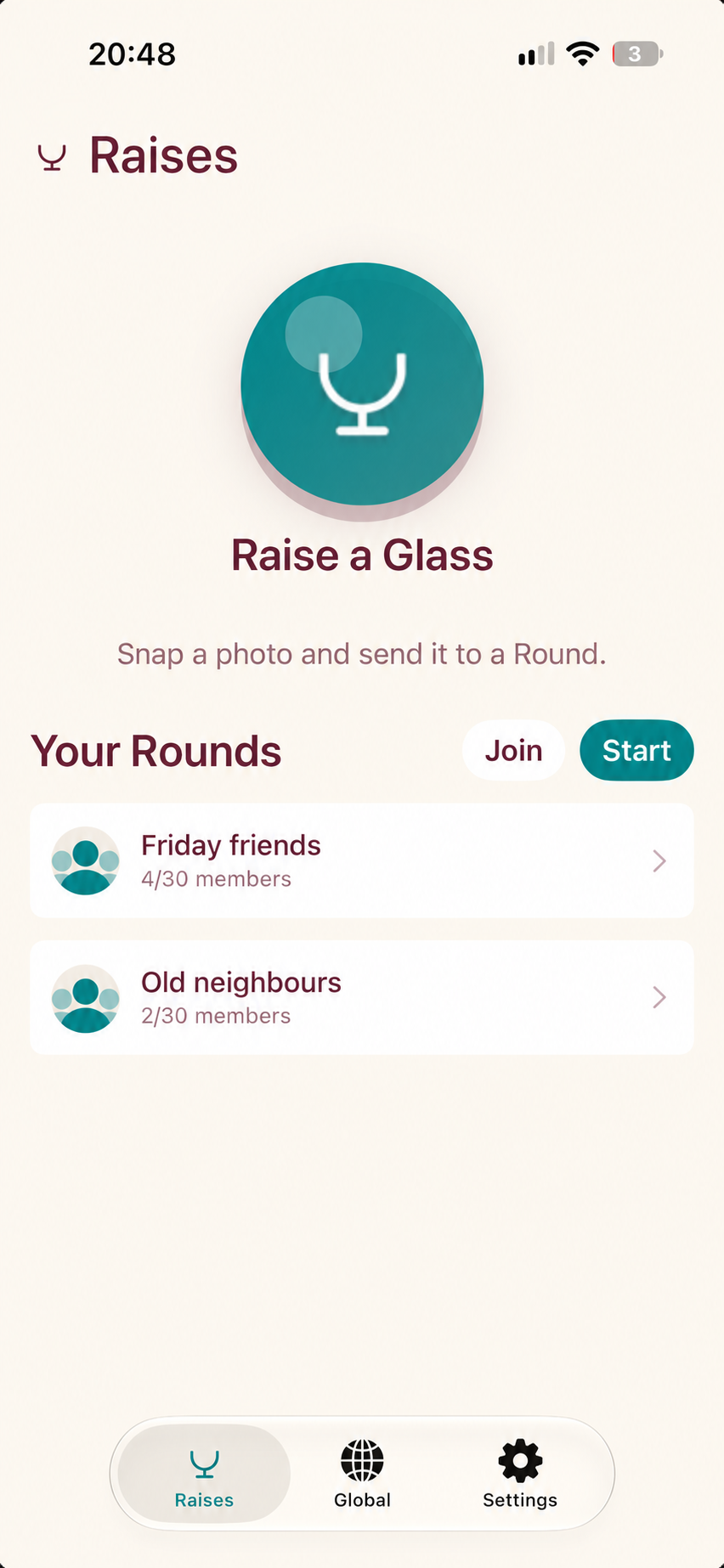
Take a photo in the moment and send it straight to one or more of your Rounds.

For iPhone
A toast to whoever's out there right now.
Share a spontaneous toast with the people who matter, wherever they happen to be.
Why it exists
Raise a Glass was made for friends and family who want to share the little, unplanned moments—not polish a post for everyone. A photo, a familiar circle, and a simple invitation to join in.
What you can do
Take a photo in the moment and send it straight to one or more of your Rounds.
Start a private Round for up to 30 people, then invite friends by username or invite code.
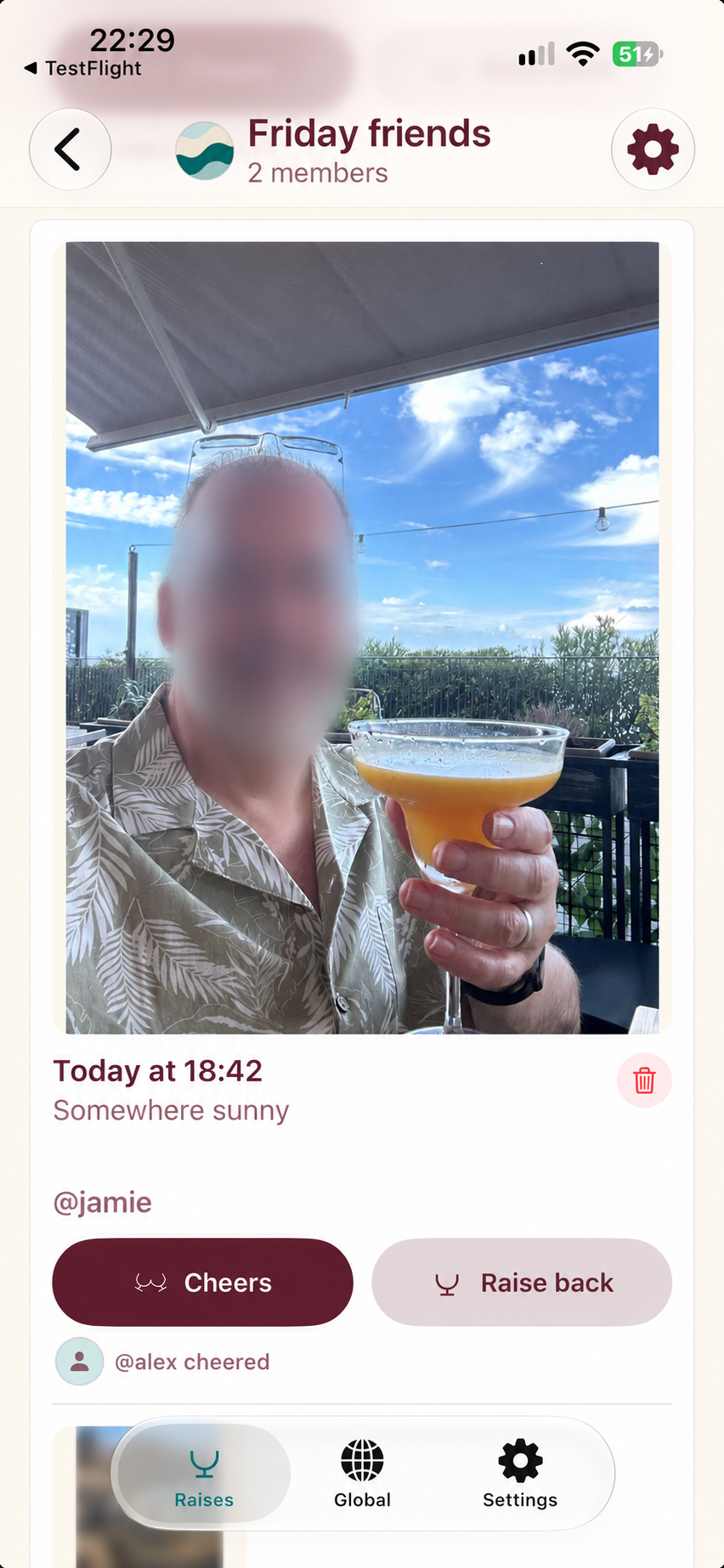
Reply to a friend’s photo with a photo of your own and keep the toast moving.
Choose notifications for new raises in each Round and for replies to your photos.
The Global view shows today’s country-level activity without publishing precise locations.
How it works
Start a private Round or join one with an invitation.
Tap the glass, take a photo, and choose where to send it.
Friends can reply with their own photo or send a cheer.
A look inside
Interface previews based on the current app. Final App Store screenshots will replace these previews before launch.
Privacy, by design
The app uses Apple CloudKit to sync profiles, Rounds, invitations, photos, cheers, optional city/country labels, and related timestamps.
Location access is optional. When enabled, Apple geocoding converts the device location into chosen city and/or country labels. Precise coordinates are not attached to a raise.
No advertising or third-party analytics SDK is present in the current app code.
Clear labels, strong contrast, Dynamic Type-friendly native controls, and VoiceOver descriptions are used throughout the current app.